Plan your day. Lighten your mind.
A private day planner with a journal built in. Time-block your day, work your lists, and keep the notes, meals, and numbers that belong to them in the same place — everything in one place, and off your mind.
Free to start — no ads, no tracking, ever.
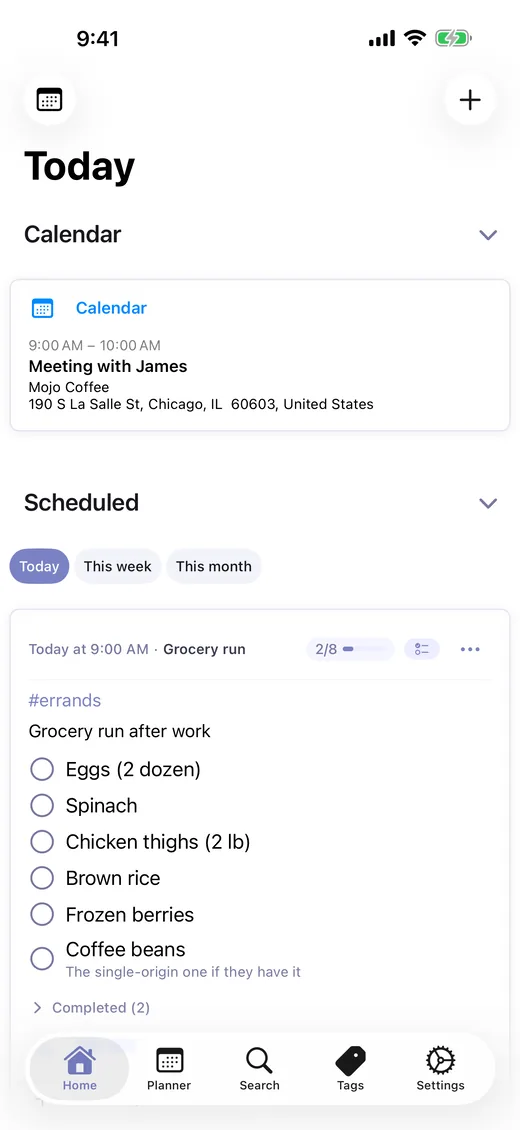
One feed replaces
- Day planner
- Journal app
- To-do list
- Meal planner
- Habit tracker
One feed for everything
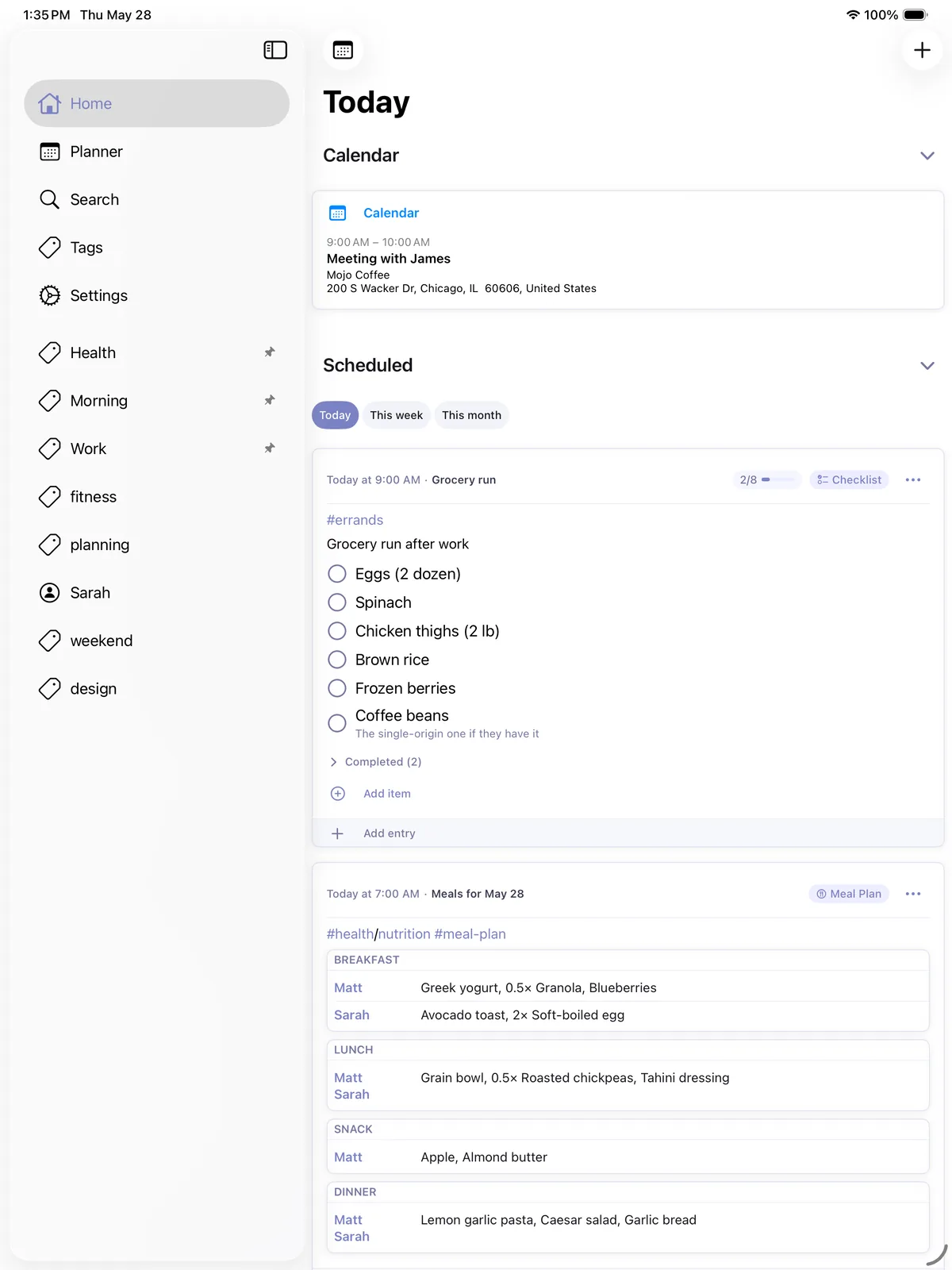
Time blocks, checklists, meal plans, journal entries, and notes — all flow through a single chronological feed. No more switching between five different apps.
Capture your day as it happens — share links and photos straight from other apps, or add an entry hands-free with Siri. Every entry is organized by tags that work the way your mind does.
Capture the days that matter
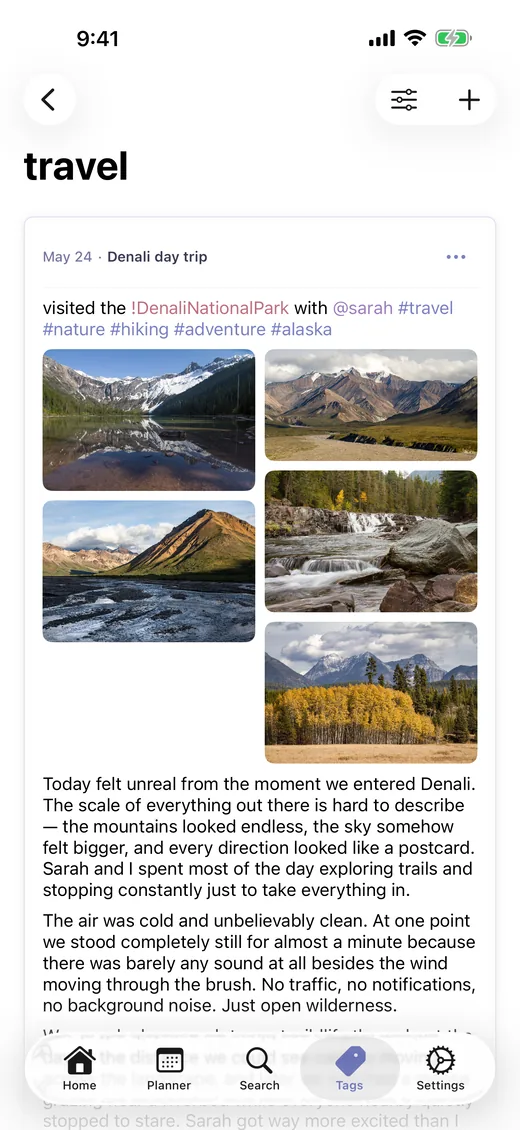
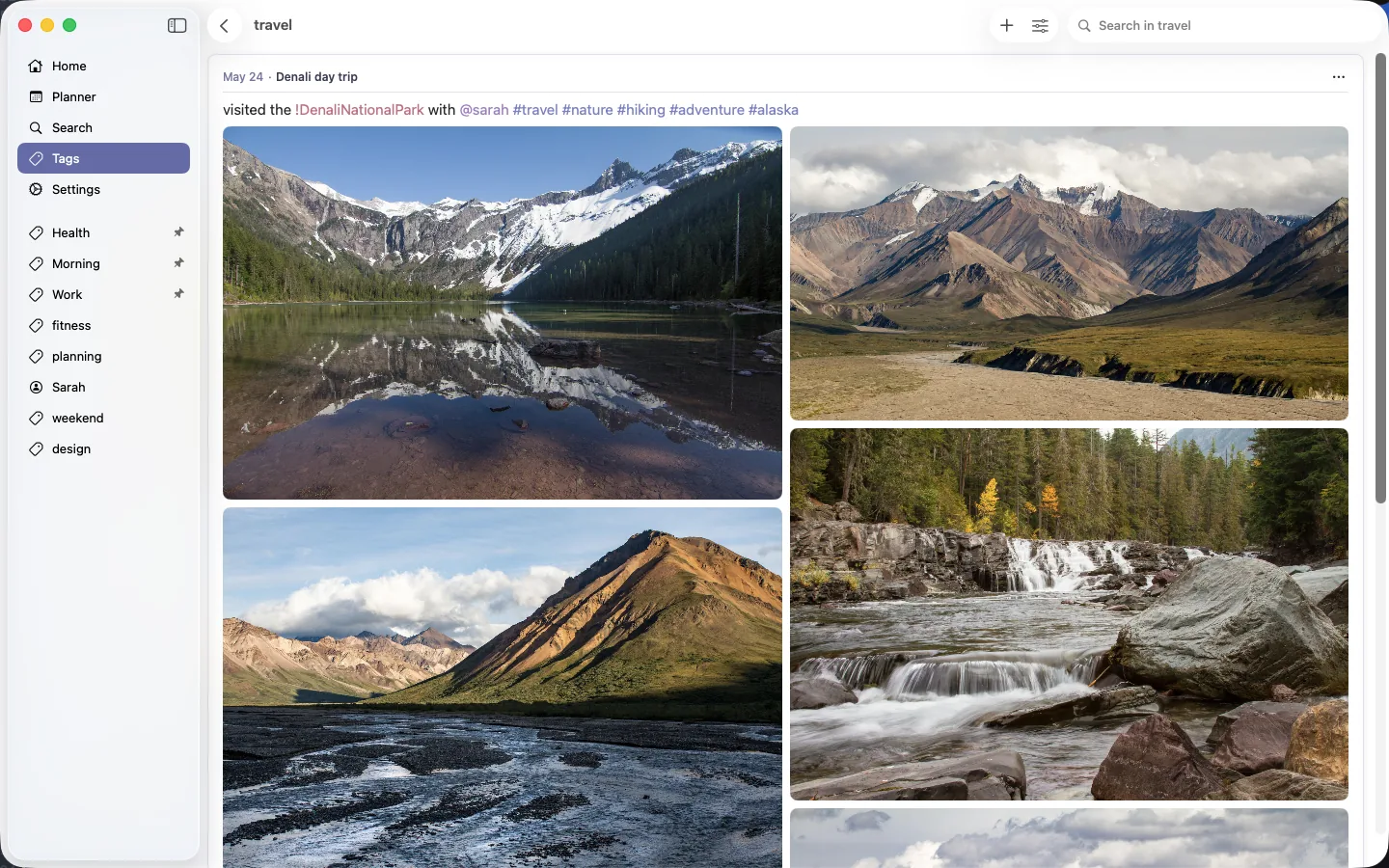
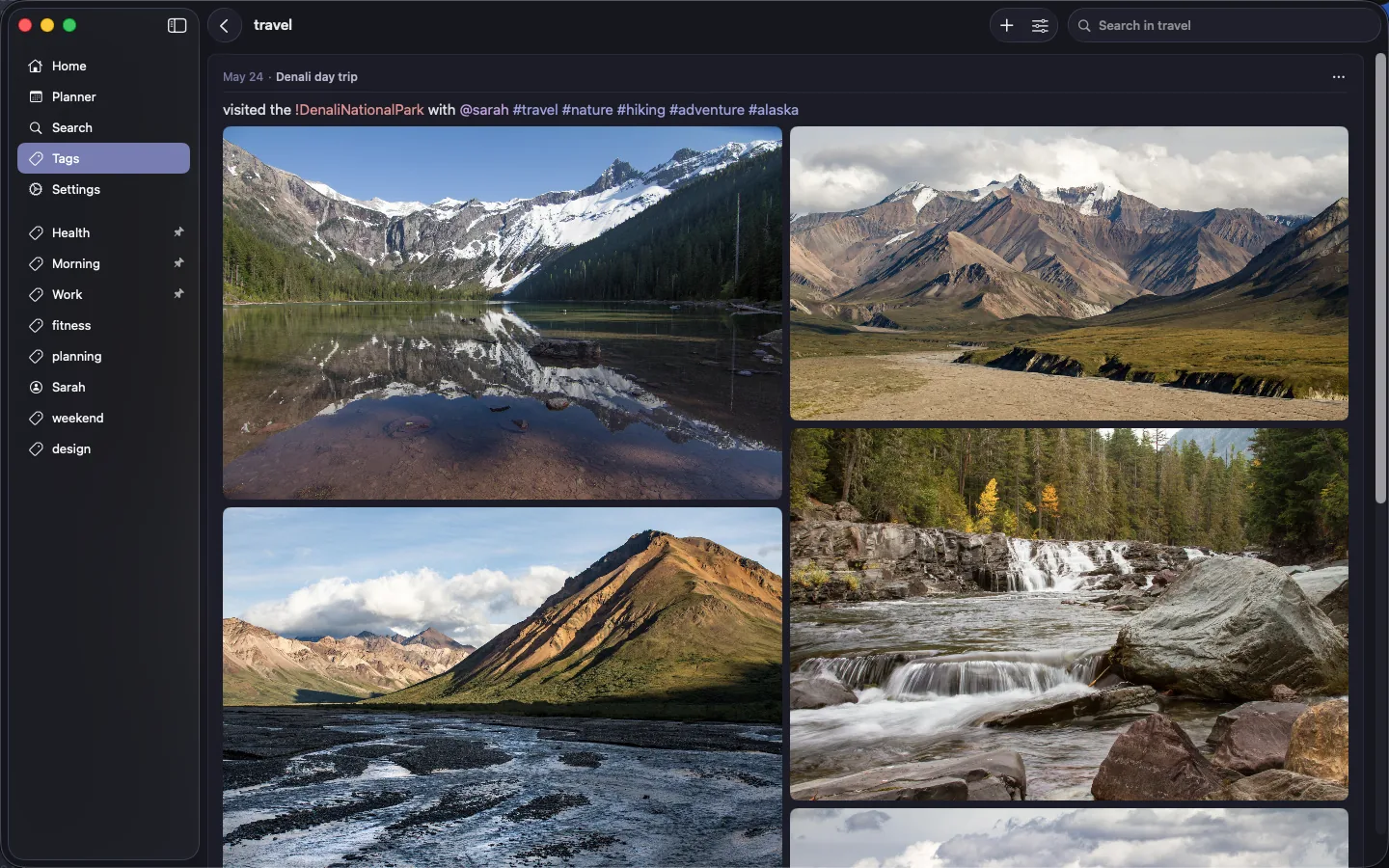
Rich Markdown editor with live preview, multi-photo galleries, threaded replies, and auto-saved drafts. Attach images, videos, files — or an Apple Pencil sketch — to any entry.
Optional titles, content blur for sensitive entries, and hidden posts keep your journal personal. And when an entry is meant for two, share it — it stays in sync on their devices too.
A journal that asks the right questions
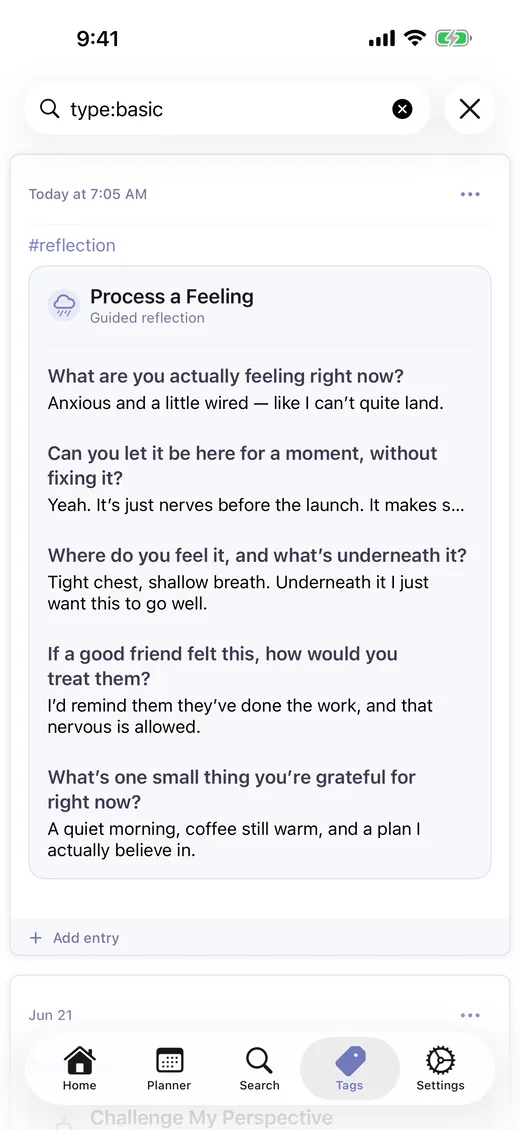
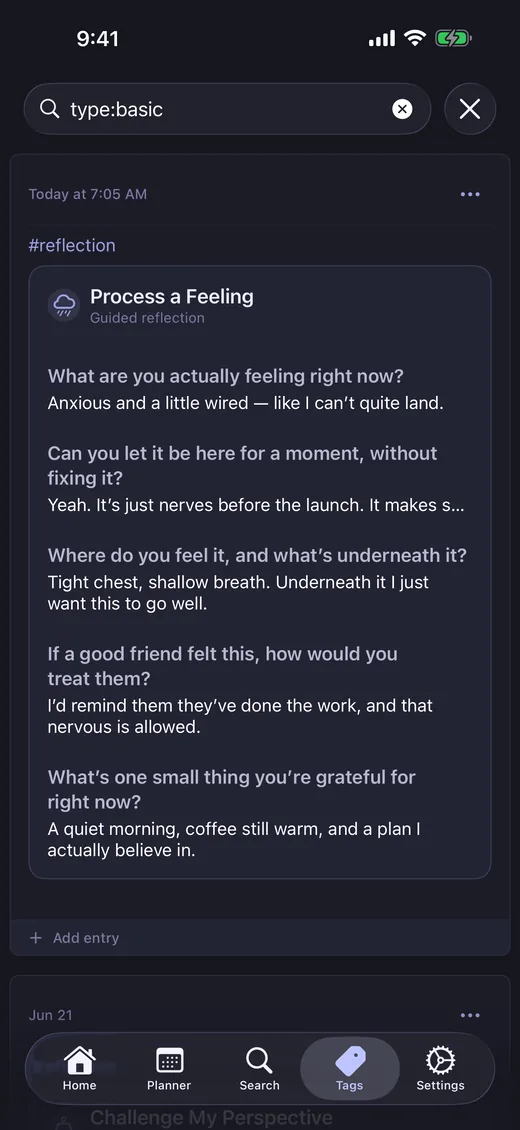
Blank page? Pick a guided flow — process a feeling, untangle the overwhelm, think through a decision — and LighterMind asks questions that build on what you just wrote, not a canned list of prompts.
It runs entirely on your device with Apple Intelligence. Your words never leave your hands, and the finished reflection saves into your journal like any other entry — some flows even end with a checklist of next steps.
Tags that think the way you do
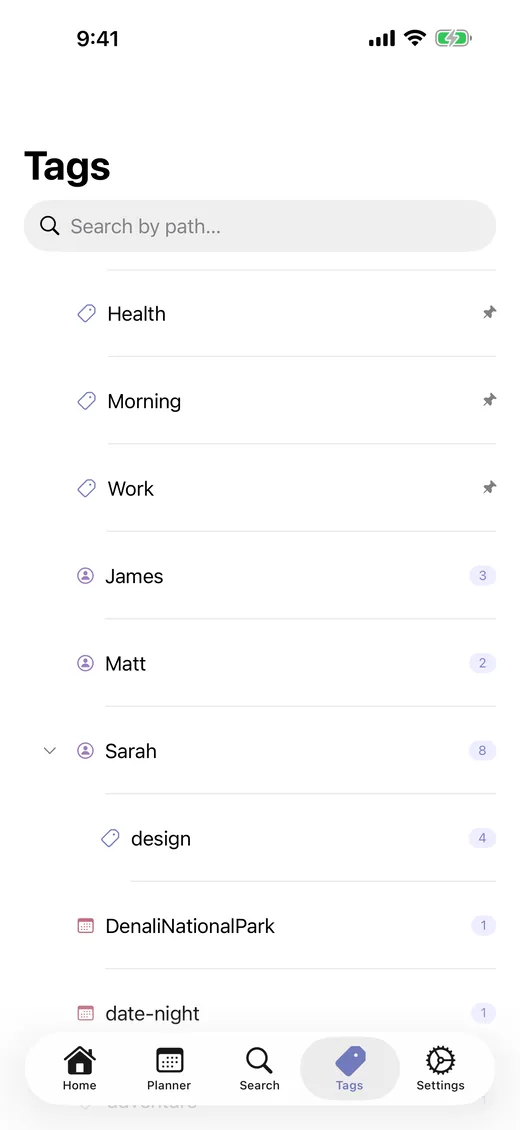
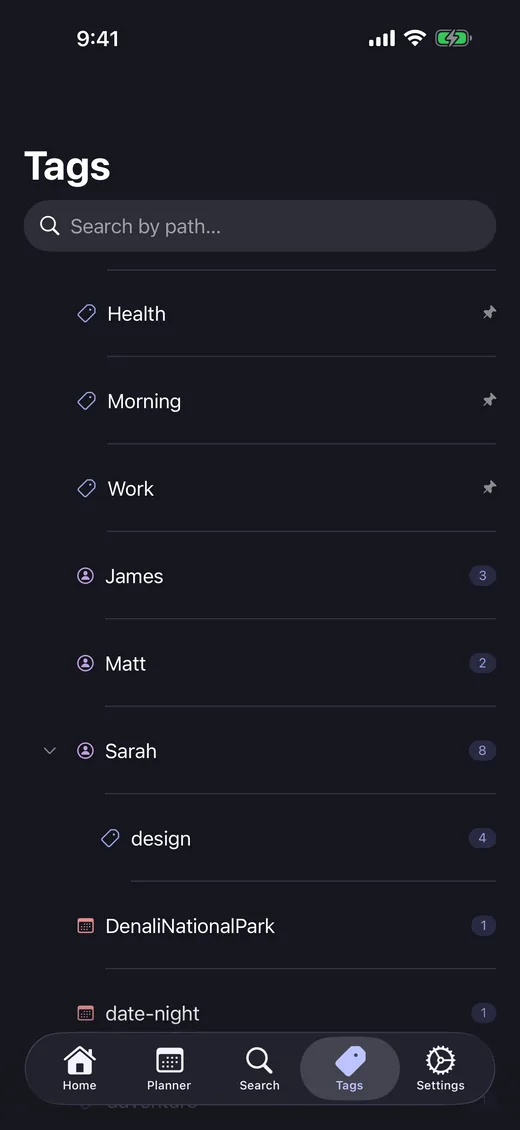
Four types of tags give your entries structure without rigid categories:
Tags are hierarchical — nest them to build structure that mirrors your life. @Sarah/design or #health/nutrition let you drill down as deep as you need without losing the big picture.
Tables and dashboards for tracking anything
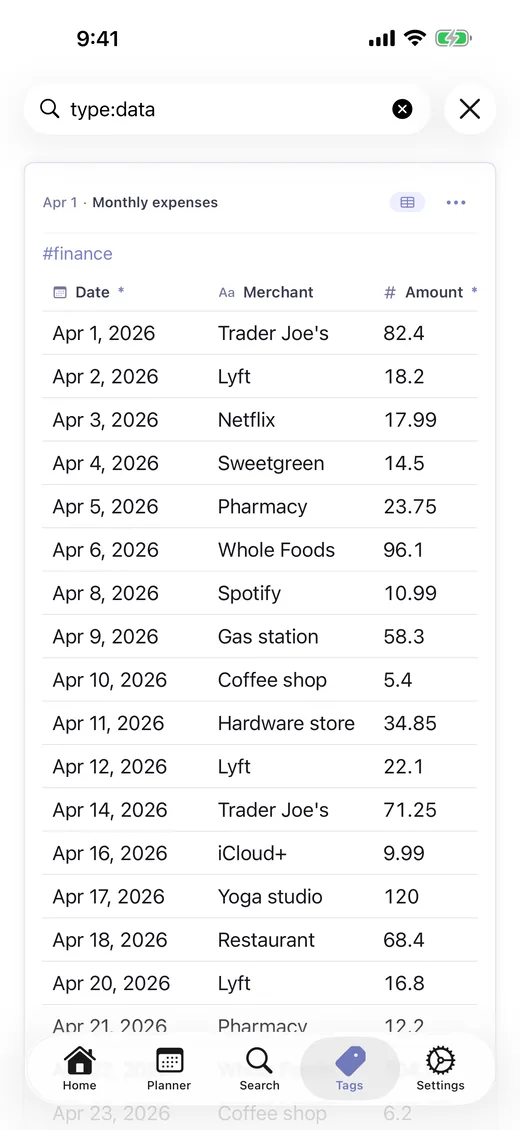
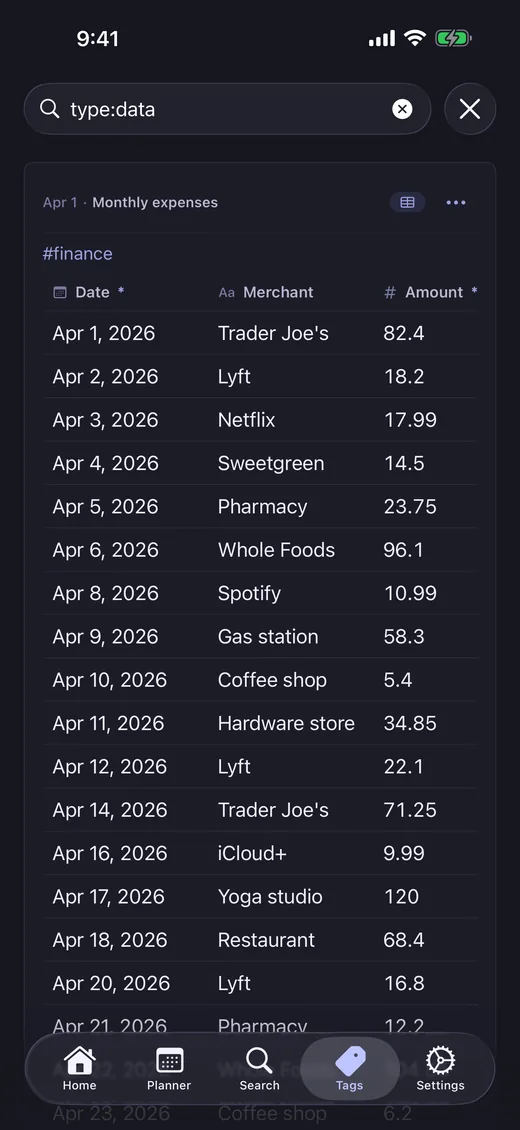
Create custom table schemas with typed fields. Track expenses, workouts, readings — whatever you need structured data for.
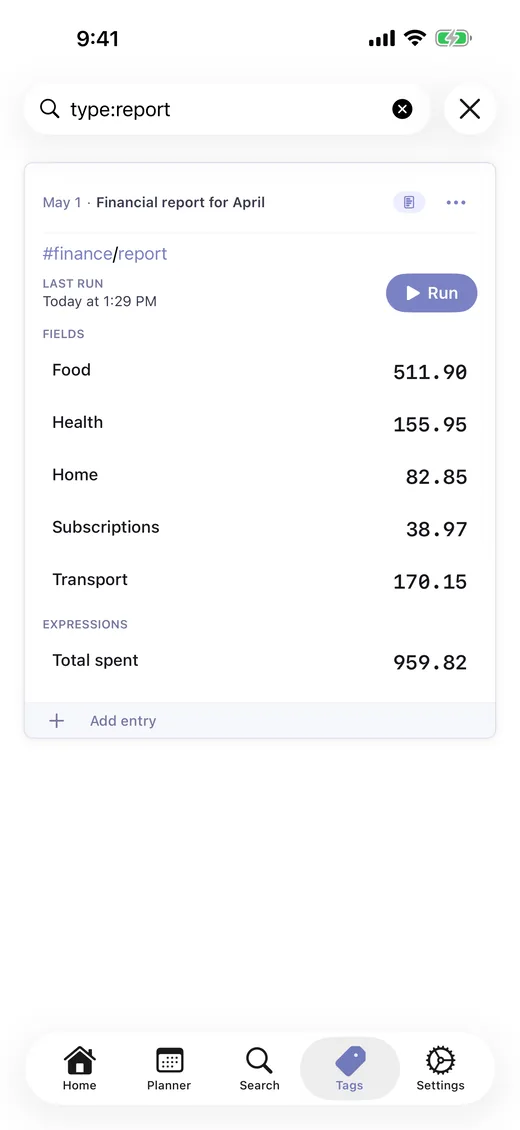
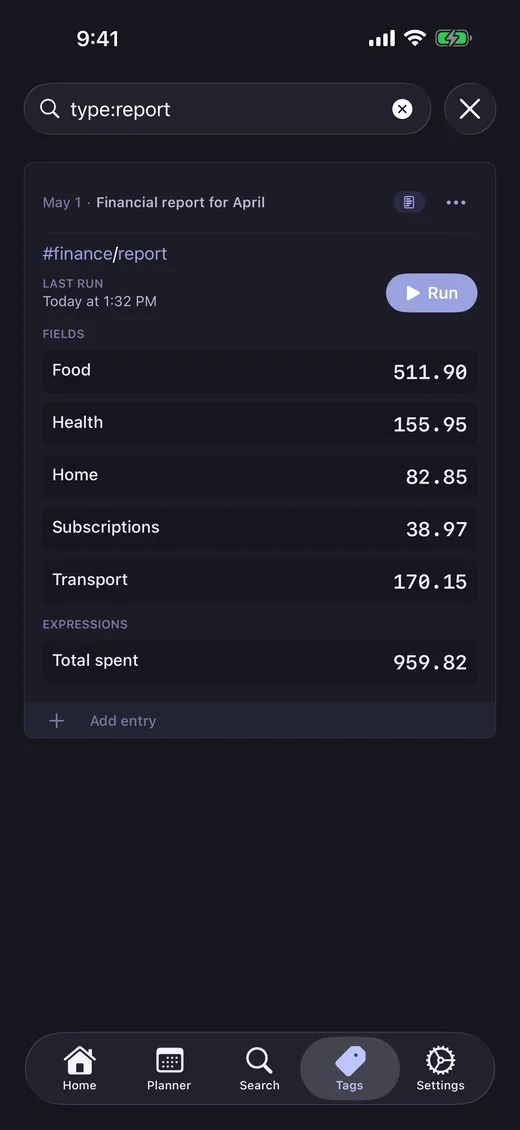
Build reports and dashboards from your own data with counts, sums, averages, and trend lines. Drill into any number to see the entries behind it.
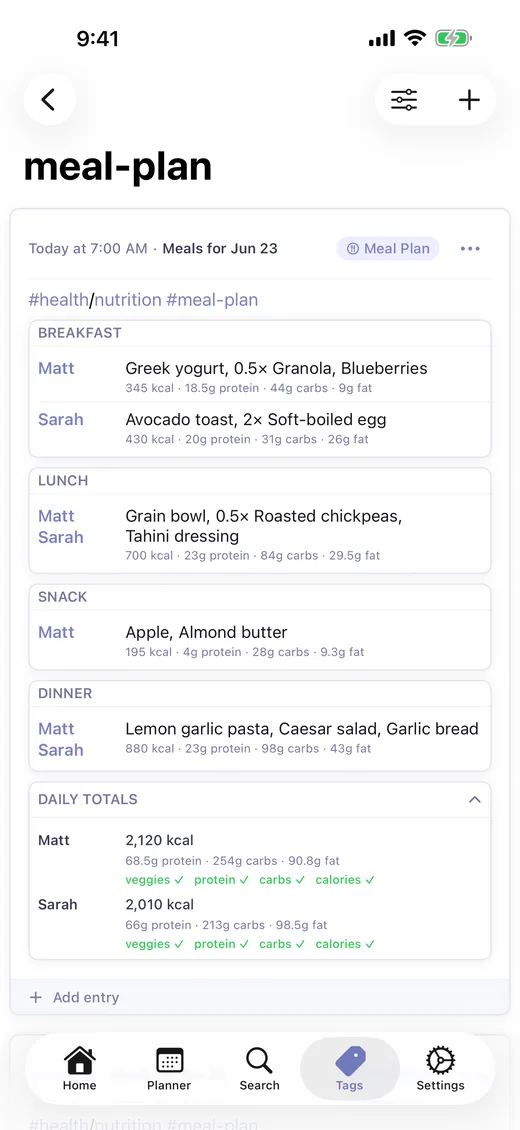
Meal planning and nutrition, built in
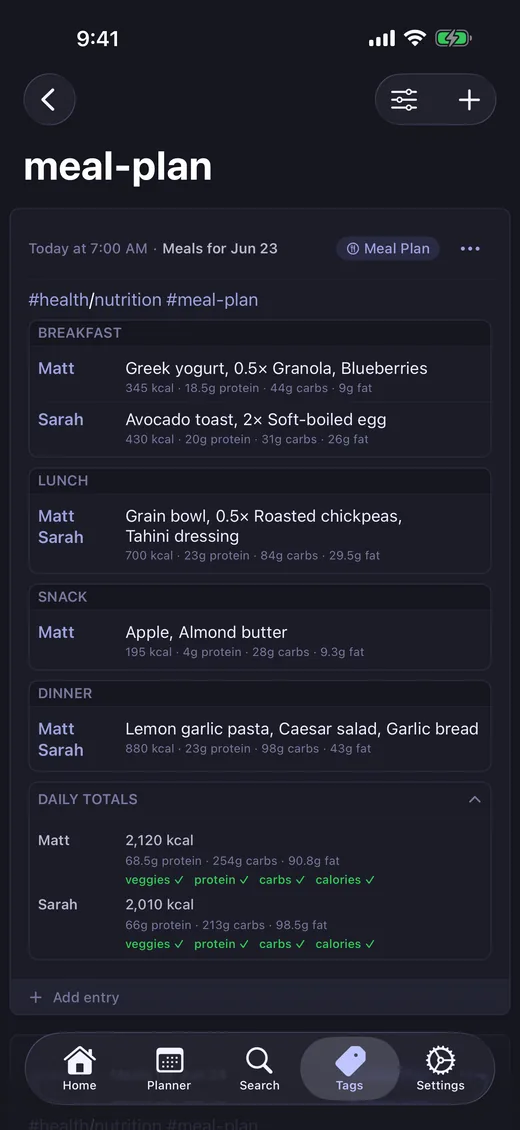
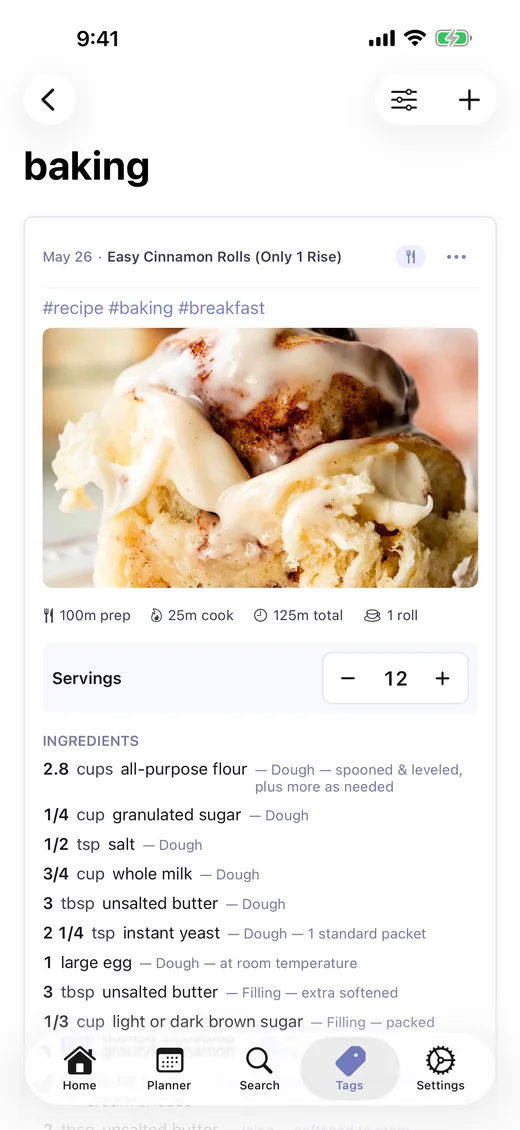
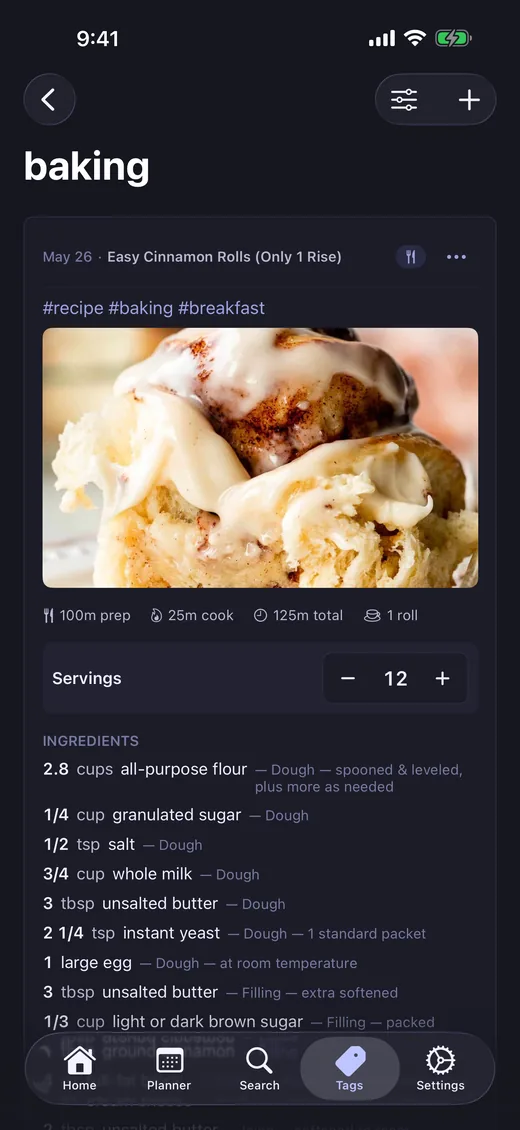
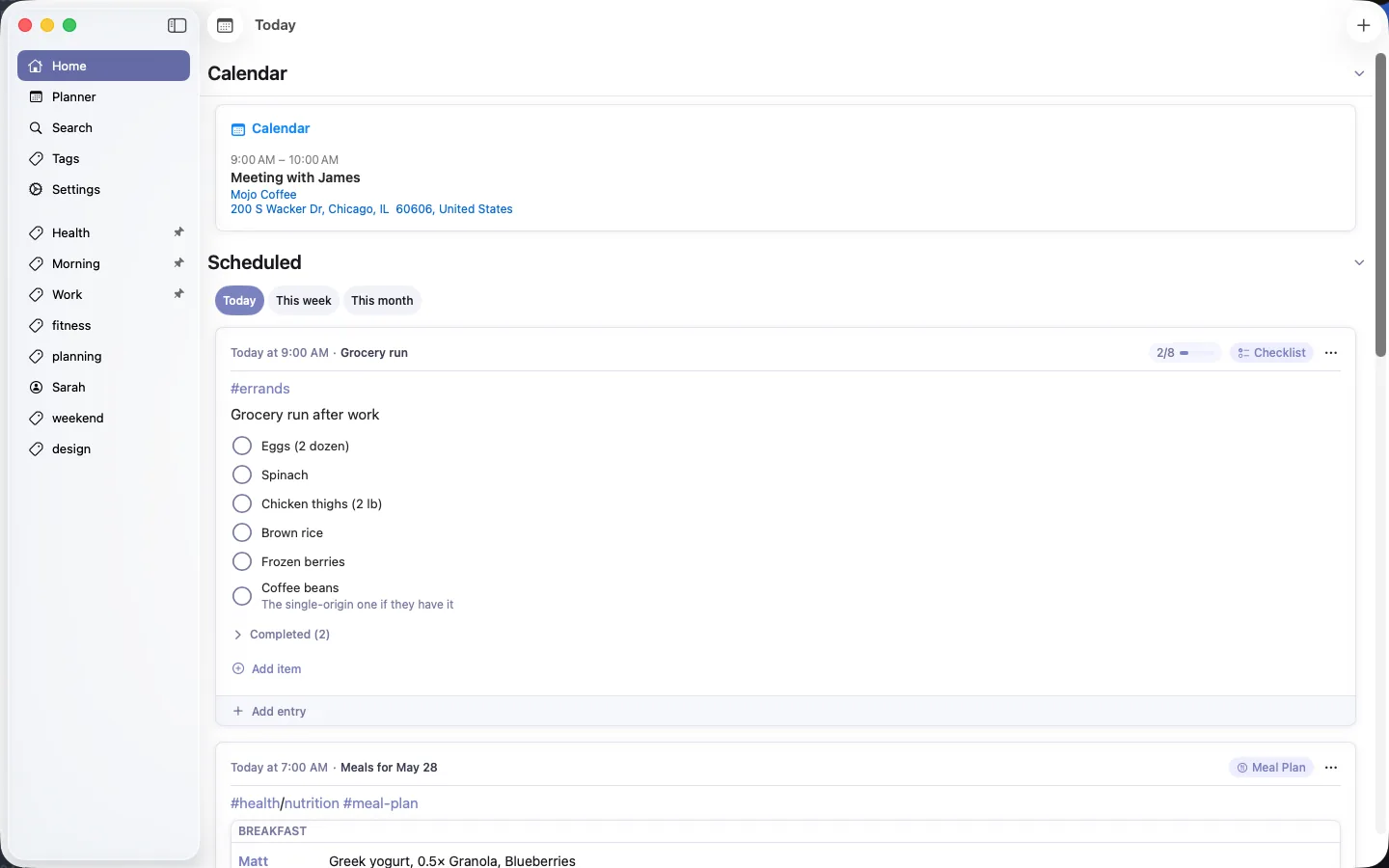
Plan every meal for the whole household, person by person. Import recipes from any website — ingredients, steps, and nutrition come along automatically.
Calories and macros appear on each meal as you plan, and daily totals are checked against everyone's targets — backed by USDA FoodData Central and Open Food Facts.
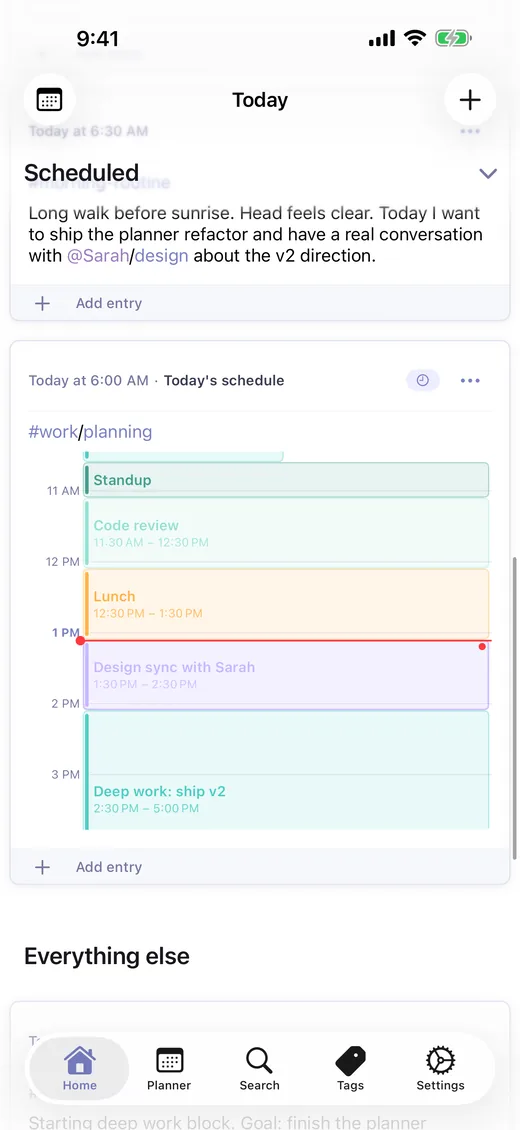
Plan your day with time blocks
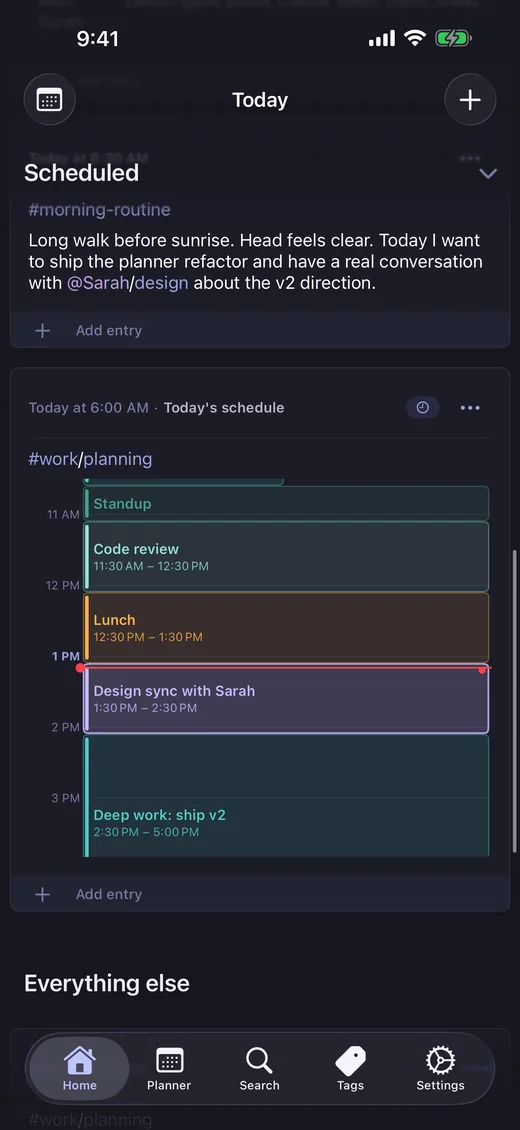
Month, week, and day planner views with time blocks that show overlap detection. See your calendar events alongside your entries.
Home screen widgets surface your current and upcoming blocks. Deep links take you straight into the entry behind each block.
Beautiful on every screen
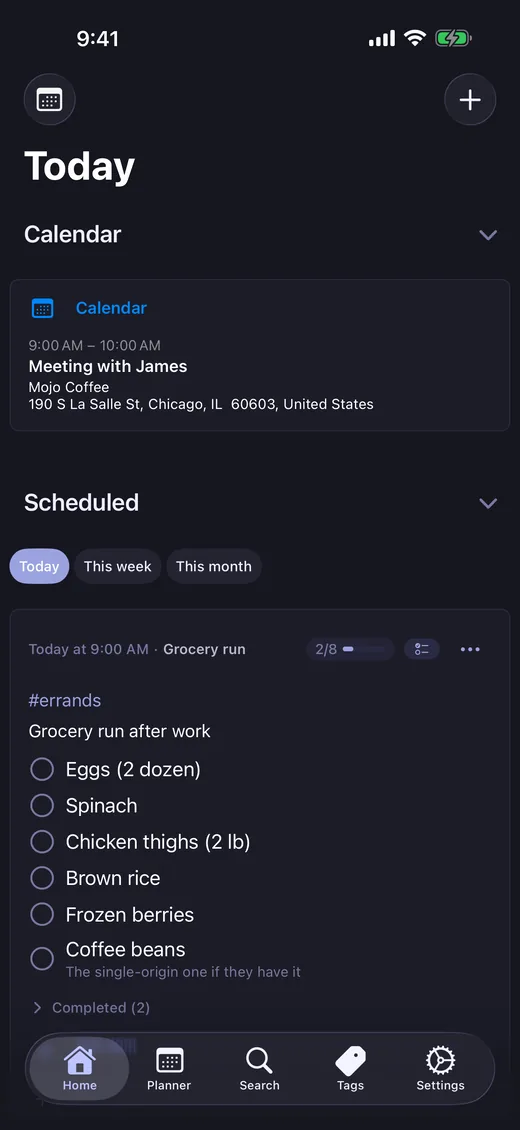
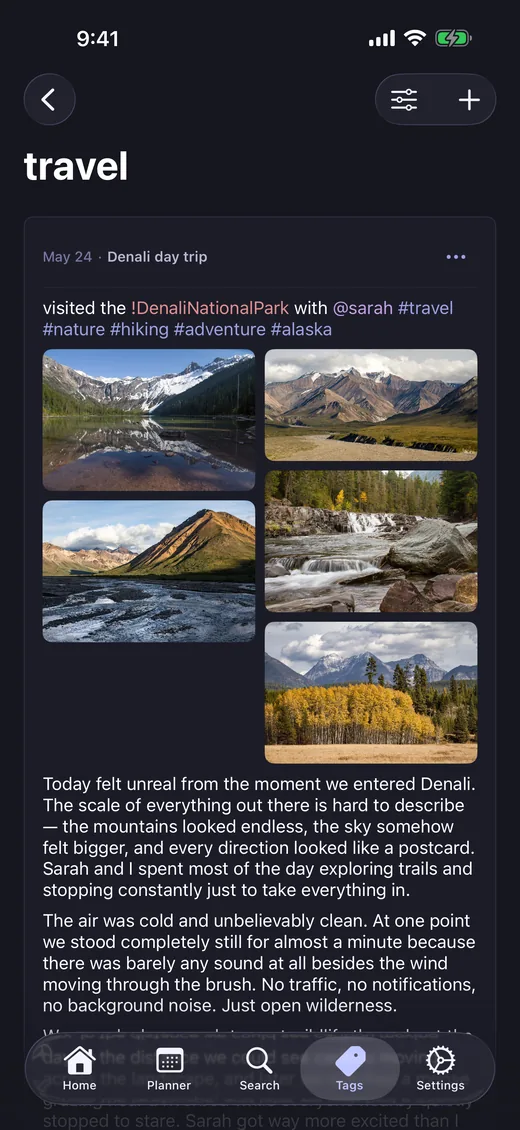
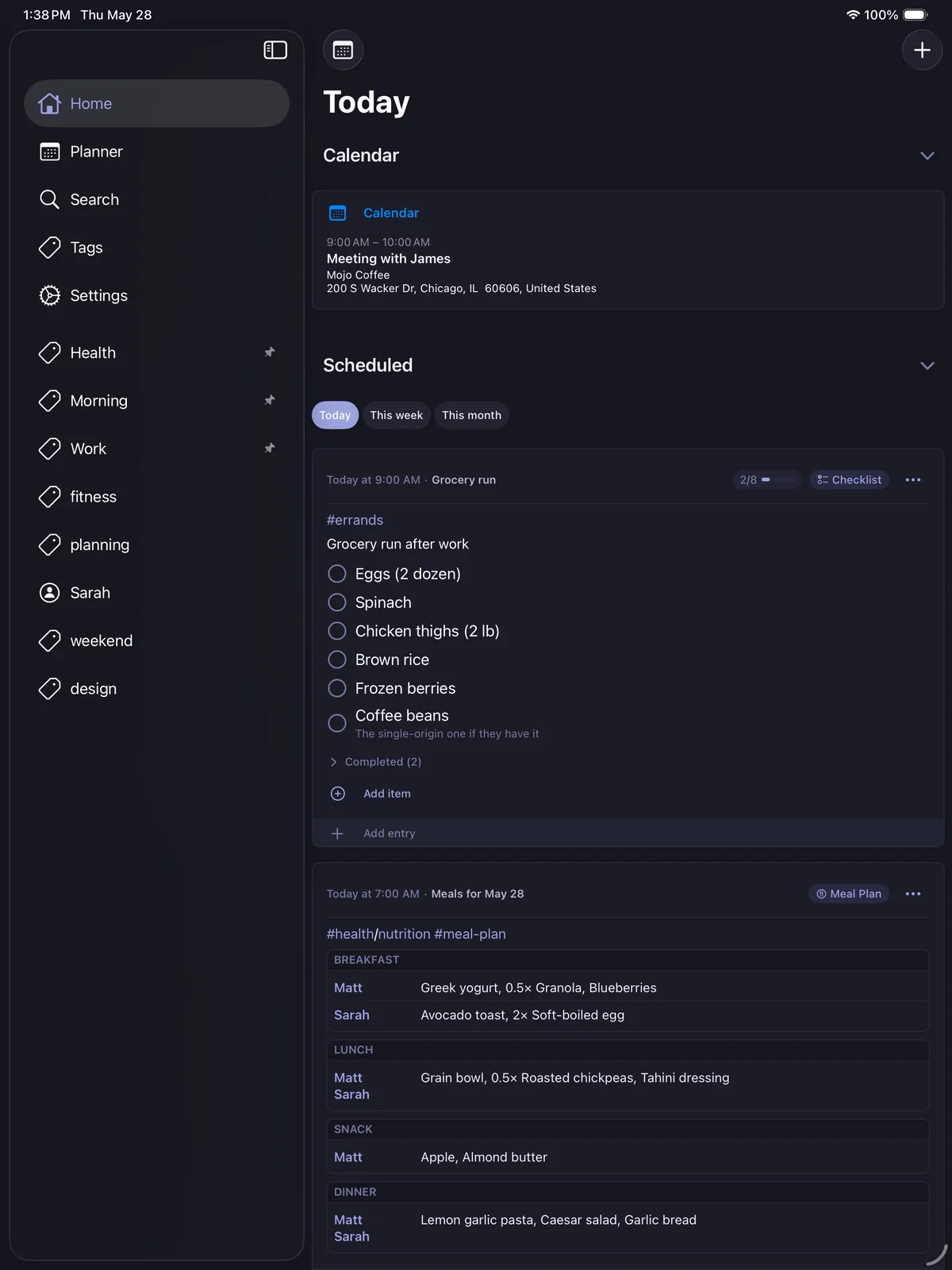
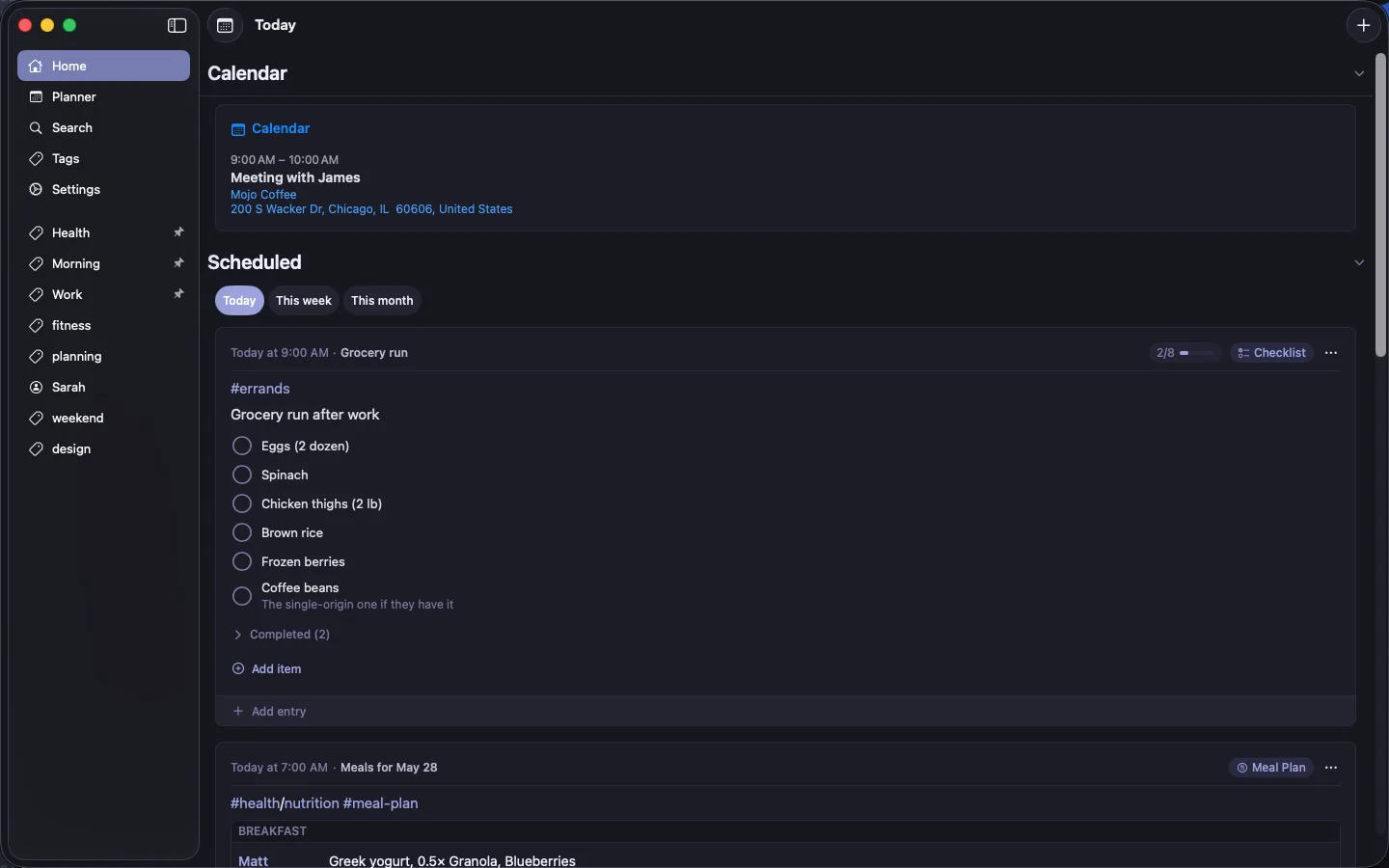
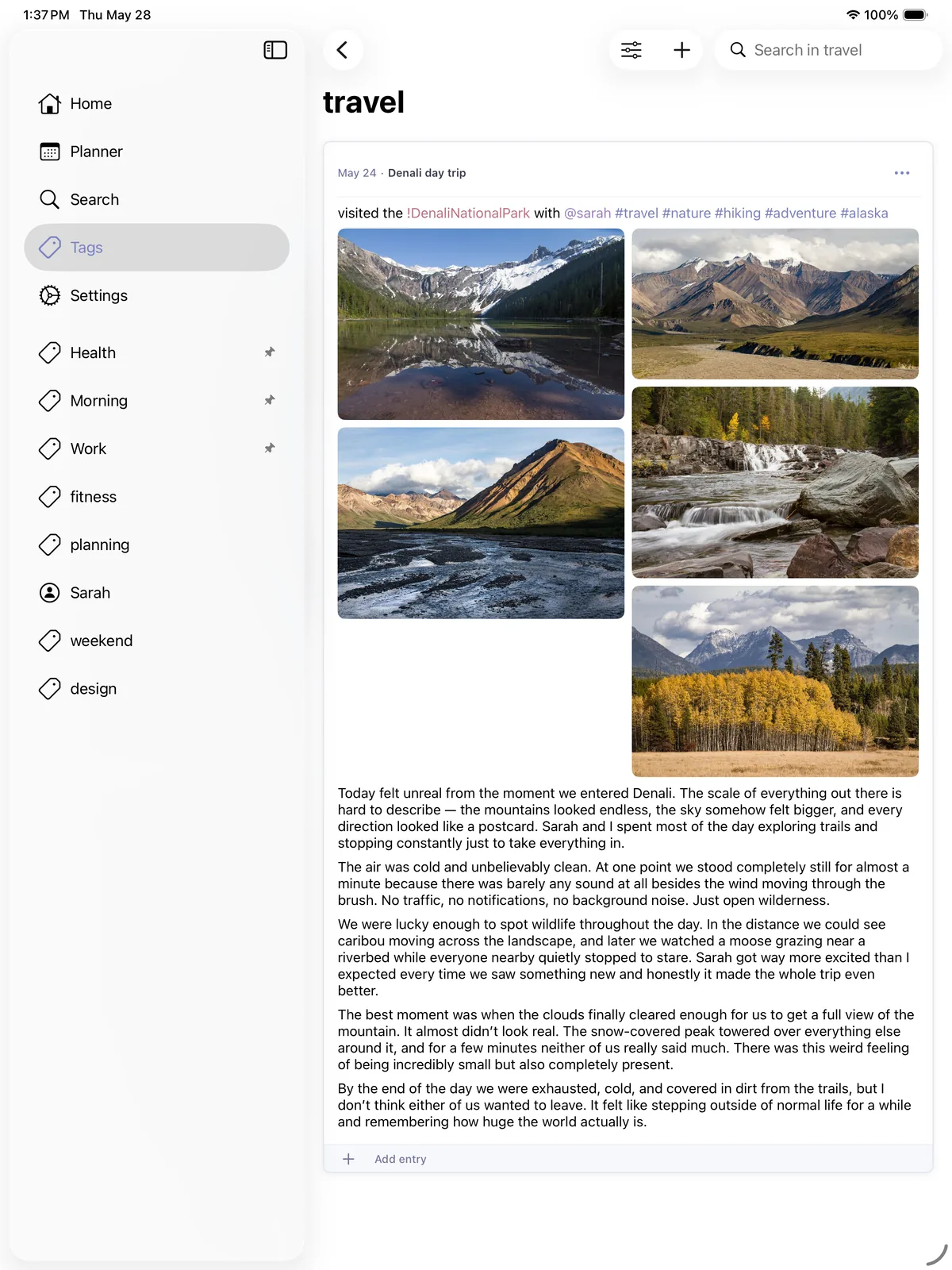
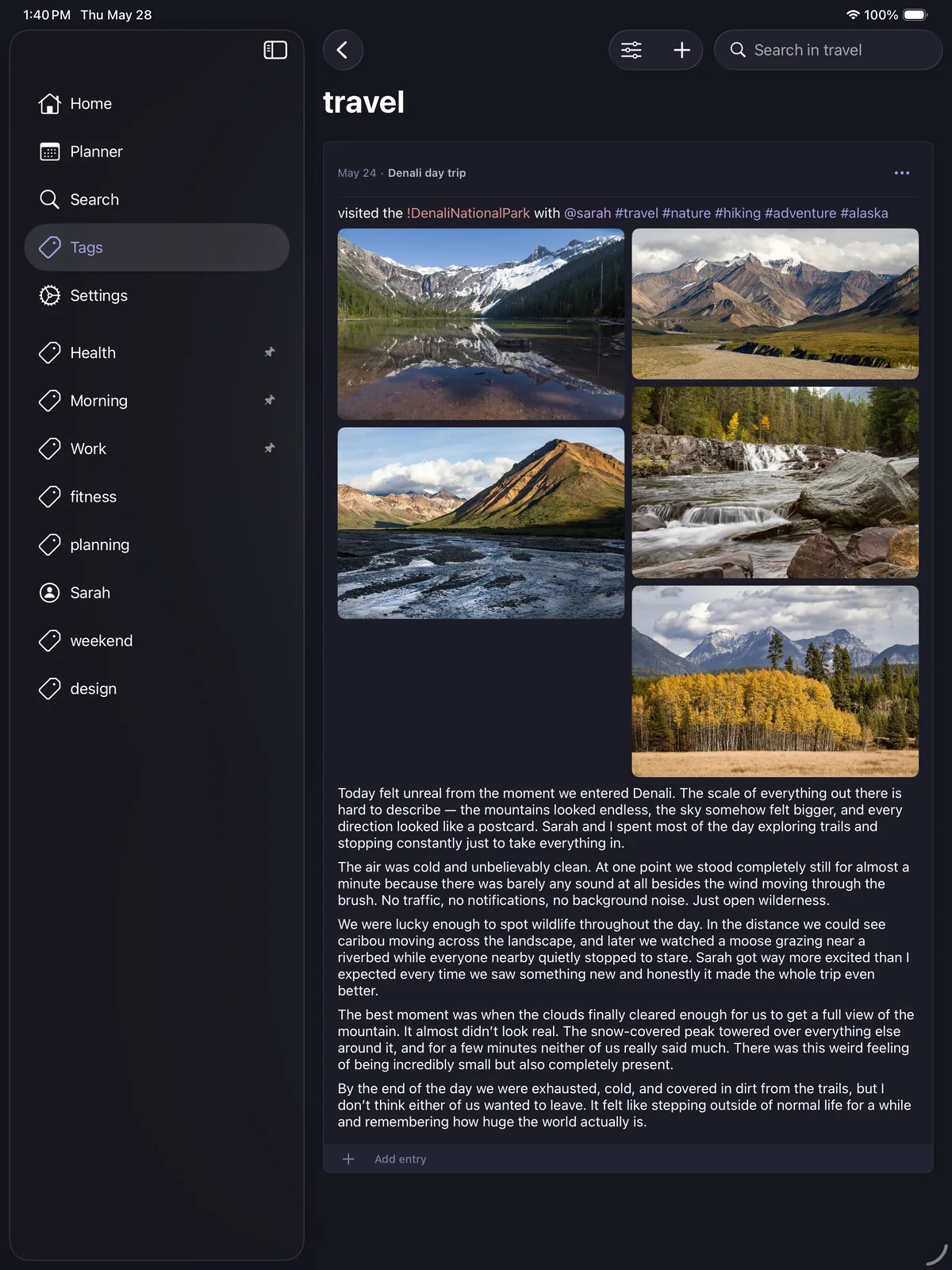
A universal app built for the Apple ecosystem. Sidebar navigation on iPad and Mac, Stage Manager support, multi-window, keyboard shortcuts throughout, and light and dark modes.
Private by design
A journal only works if you can be honest in it. LighterMind is built so you never have to wonder who else can read yours.
Local-first
Your entries live on your device, not on our servers. We couldn't read your journal if we wanted to — there's nothing to read on our end.
No account
No sign-up, no email, no password. Download the app and start writing. Sync runs through your own iCloud, and only if you turn it on.
Locked to you
Face ID, Touch ID, and Optic ID keep the app closed to everyone else. Blur sensitive entries so they stay private even over your shoulder.
On-device AI
Guided journaling runs on Apple Intelligence, on your hardware. Your reflections are never sent to a server — not even ours.
No ads. No tracking. No analytics on what you write. Ever.
Everything you need, nothing you don't
Capture
Live Markdown editor
Write in Markdown and watch it style as you type. Bold, headings, lists, code, tables, and links — with the syntax revealed only around your cursor.
Photo galleries
Group photos into a gallery in any entry. Drag to reorder, choose one to four columns, and the layout sizes itself to fit.
Apple Pencil drawings
Sketch and handwrite on a full-page canvas. Strokes snap into clean shapes when you pause, and your handwriting is transcribed on-device so it shows up in search.
Share to LighterMind
Send links, photos, videos, and files into LighterMind from any app's share sheet. Add a note, optionally blur it, and it lands as an entry.
Plan
Checklists & tasks
Multi-level nested checklists with due dates, drag-and-drop, quick-add items, and per-item notes. Give items a t-shirt size and see how long what's left will take.
Planner & time blocking
Month, week, and day views. Time blocks with overlap detection. Calendar integration and home screen widgets.
Templates & routines
Save entries as reusable templates. Set daily, weekly, or monthly recurring routines that automatically spawn entries.
Reminders
Set a reminder on any entry, or ahead of a time block. Snooze or complete it right from the notification, and mark the urgent ones Time Sensitive.
Find & connect
Powerful search
Full-text search with advanced filters across all entry types. Find anything across years of entries in seconds.
Tag expansions
Set one tag to pull in others automatically, so related entries stay linked without retyping the whole set every time.
Shared entries
Invite someone to an entry — a packing list, a plan, a memory. It stays in sync on their devices, and you can stop sharing anytime. Free for everyone.
iCloud sync
Seamlessly sync across iPhone, iPad, and Mac. No account needed — just your own iCloud.
Extend
Siri & Shortcuts
Add an entry hands-free with Siri, or build Shortcuts that drop items onto a checklist and log values to your tables.
Home screen widgets
Keep your current and upcoming time blocks on your Home Screen. Tap one to jump straight into the entry behind it.
Works with AI agents
On your Mac, opt in to let agents like Claude read and write your entries over a connection that never leaves your machine. Off by default, always your call.
Built in the open
LighterMind is shaped by the people who use it. Join the community to share how you use the app, suggest features, and hear what's coming next.

Everything in one place. Nothing on your mind.
Free to start — no ads, no tracking, ever.
Download on the App Store